

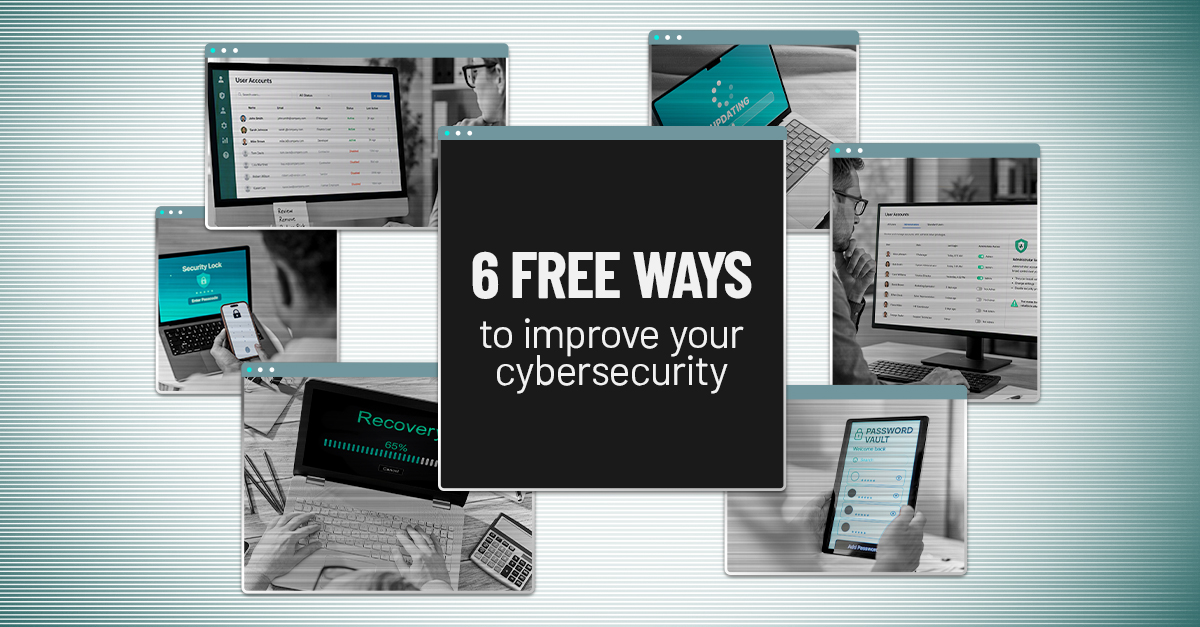
Improving cybersecurity doesn’t always mean buying another product. Some of the most effective improvements come from making better use of the security controls your business already has.
Unused accounts, excessive permissions, missing updates and untested backups can all create unnecessary risk. In many cases, addressing these issues costs nothing beyond the time it takes to identify and fix them.
Before investing in another security tool, start with these six practical cybersecurity improvements.
Quick Summary: Some meaningful cybersecurity improvements don’t require new technology. Strengthening authentication, removing unused accounts, limiting administrator access, installing updates, improving password practices and testing backups can help close common security gaps using tools your business may already have.
1. Strengthen multi-factor authentication
If multi-factor authentication (MFA) isn’t enabled across your most important accounts, start there.
MFA requires users to provide additional verification beyond a password before accessing an account. If an attacker steals or guesses a password, that additional step can make it significantly harder to gain access.
Prioritize MFA for:
- Microsoft 365 or Google Workspace
- Banking and payroll systems
- Cloud storage
- Remote access and VPN accounts
- Administrator accounts
- Business-critical applications
But simply enabling any form of MFA shouldn’t be the end goal. Not all MFA methods provide the same level of protection. SMS codes, for example, can be vulnerable to interception and social engineering, while some sophisticated phishing attacks are designed to capture authentication codes or trick users into approving fraudulent requests.
CISA recommends moving toward phishing-resistant MFA, such as FIDO/WebAuthn-based authentication, where possible.
If your existing platforms already include stronger authentication options, enabling them can be one of the most valuable cybersecurity improvements you make without purchasing another product.
Resource: 5 Ways Hackers Bypass MFA
2. Remove accounts you no longer need
Former employees aren’t the only source of forgotten accounts. Temporary workers, contractors, vendors, old administrator accounts and accounts created for short-term projects can remain active long after they’re needed.
Every unnecessary account creates another potential path into your systems.
Review accounts across your important applications and ask:
- Does this person still work with us?
- Does this account still serve a business purpose?
- Has the account been inactive for an extended period?
- Does this user still need access to everything the account can reach?
Disable or remove accounts that are no longer required and adjust access when someone’s responsibilities change.
Better yet, make account reviews part of your normal onboarding and offboarding processes. When an employee or vendor leaves, there should be a defined process for removing access rather than relying on someone to remember every application they used.
3. Stop giving everyone administrator access
Administrator accounts can install software, change configurations, create users and alter security settings. That makes them useful for IT teams — and particularly valuable to attackers.
Review who currently has elevated privileges and whether each person actually needs them to perform their job.
The goal is least privilege: users should have only the access necessary to perform their responsibilities. Someone who occasionally needs administrative access doesn’t necessarily need to operate with those privileges throughout the day.
Where practical, use separate administrator accounts for privileged tasks and standard user accounts for routine work. If an everyday account is compromised, limiting its permissions can also limit what an attacker is able to do with it.
Don’t forget to review administrator privileges within individual applications, either. A user may not be a network administrator but could still have unnecessary elevated access to Microsoft 365, financial software, cloud platforms or other critical systems.
4. Turn on automatic updates
Software vulnerabilities are continually discovered, and updates frequently include security fixes designed to address them.
Check whether automatic updates are enabled for commonly used devices and applications, including:
- Windows and macOS
- Phones and tablets
- Web browsers
- Microsoft 365 and other productivity software
- Security applications
- Frequently used business applications
Don’t stop at employee laptops. Servers, networking equipment and other connected devices may also require software or firmware updates.
Some business-critical systems require testing before updates are deployed, so automatic updating isn’t appropriate in every environment. The larger goal is to make sure updates are being managed rather than ignored.
A vulnerability that’s already been fixed by the vendor shouldn’t remain an unnecessary opening simply because the update was never installed.
5. Improve password management
Employees are often told to create strong, unique passwords for every account. The problem is that remembering dozens of complex passwords isn’t realistic.
That’s when password reuse, predictable variations and other risky habits can creep in.
If your organization already provides a password manager, make sure employees are actually using it. Password managers can generate and store unique credentials so users don’t have to rely on memory or reuse the same password across multiple accounts.
Also look at whether your existing systems support single sign-on or passwordless authentication. Reducing the number of passwords employees have to manage can improve both security and usability.
This is the one item on the list that may not be completely free if your current technology doesn’t include password-management capabilities. Before purchasing another product, however, check what functionality is already included in the platforms and licenses you’re paying for.
6. Test whether your backups actually work
A successful backup notification isn’t the same thing as a successful recovery.
The purpose of a backup is to restore data and systems after ransomware, hardware failure, accidental deletion or another disruption. If nobody has tested the recovery process, you don’t really know whether your backups can do what the business expects them to do.
Start with a few questions:
- When did our last successful backup complete?
- What systems and data are actually being backed up?
- Has anyone performed a test restore recently?
- How long would recovery take?
- Who is responsible for initiating recovery?
- Does that recovery time meet the needs of the business?
This last question is particularly important. Having the data isn’t enough if restoring critical operations takes significantly longer than the business can tolerate.
Backup testing should therefore be part of a broader disaster recovery strategy. Regular recovery testing can help uncover missing data, configuration problems and unrealistic recovery expectations before you’re dealing with an actual outage.
Free doesn’t mean unimportant
Cybersecurity conversations often focus on what businesses should buy next. Sometimes the better question is whether you’re fully using and properly managing what you already have.
These six steps don’t replace a comprehensive cybersecurity strategy, and depending on your environment, additional technology, monitoring or expertise may still be necessary. But adding more tools before addressing basic security gaps can leave you spending more without necessarily becoming more secure.
Start with the controls you already have. Strengthen authentication. Clean up unnecessary accounts. Reduce excessive privileges. Keep systems current. Improve password practices. And make sure your backups can actually recover what your business needs.
Then you can make better decisions about where additional cybersecurity investments will have the greatest impact.
Related: More Cybersecurity Tools Don’t Always Mean Better Security
Where are your cybersecurity gaps?
Not sure which security improvements should come first? Invenio IT can help you evaluate your current environment, identify gaps and prioritize practical improvements based on your business, systems and risk level.
Schedule a short discovery call with Invenio IT to take a closer look at your current cybersecurity environment.


